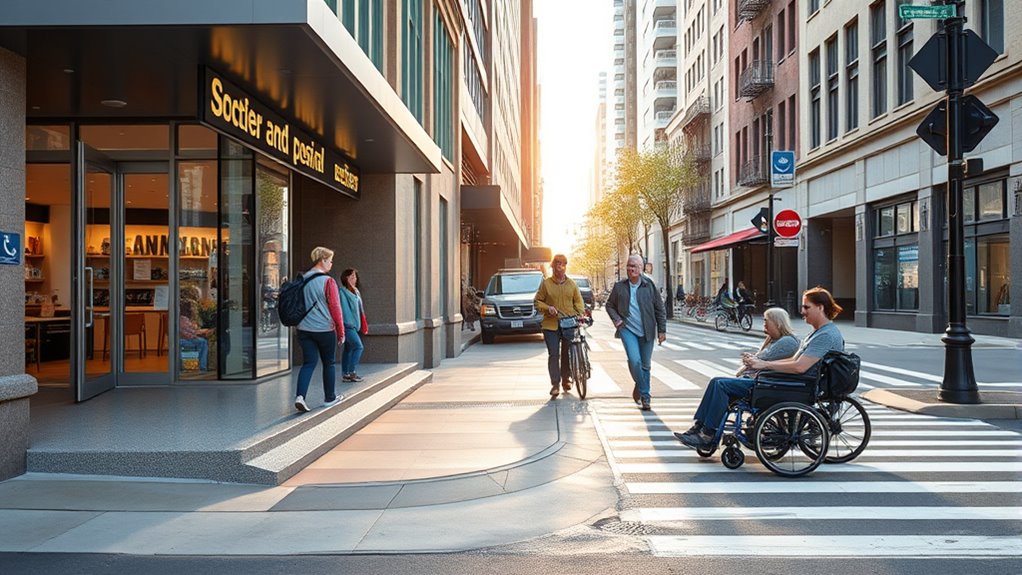

Successful accessibility makeovers show that involving users with disabilities and listening to their feedback creates more inclusive and user-friendly websites. Incorporating features like clear navigation, high-contrast visuals, and alternative text makes a big difference. Testing with real users helps identify overlooked issues and refines the design. This ongoing process emphasizes user-centered approaches and stakeholder engagement. Keep exploring to discover practical lessons that can transform your own digital spaces and improve everyone’s experience.
Key Takeaways
- Successful accessibility makeovers prioritize user feedback, especially from individuals with disabilities, to identify real-world challenges.
- Iterative testing with actual users ensures continuous improvement and addresses overlooked issues.
- Clear navigation, high-contrast visuals, and alternative texts are common features in effective redesigns.
- Stakeholder engagement and transparency foster ongoing feedback and demonstrate a genuine commitment to accessibility.
- Accessibility benefits all users, and a user-centered approach leads to clearer, more inclusive digital experiences.
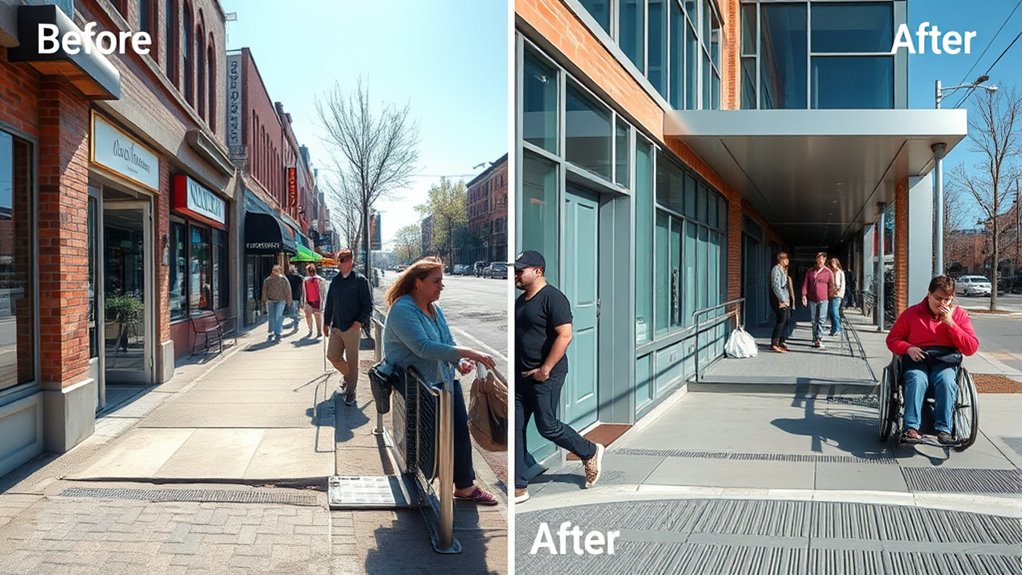
Accessibility makeovers can transform spaces and digital platforms, making them inclusive for everyone. When you undertake a website redesign with accessibility in mind, you’re not just improving aesthetics—you’re opening doors for users with diverse needs. A successful makeover begins with understanding how your audience interacts with your site. Gathering user feedback is essential; it reveals real-world challenges faced by visitors and highlights areas needing improvement. When you listen to your users, you gain insights that no accessibility checklist can provide, allowing you to tailor your website redesign to meet actual needs rather than assumptions.
Implementing accessibility features during your redesign process shows a commitment to inclusivity. For instance, ensuring your site has clear navigation, high-contrast visuals, and readable fonts helps users with visual impairments. Including alternative text for images and descriptions for multimedia content enhances the experience for those relying on screen readers. But these changes often originate from the feedback of your users—those who have struggled with previous versions. By actively seeking and incorporating their input, you create a more welcoming digital environment that respects diverse capabilities.
User feedback drives accessible design—making sites clearer, more inclusive, and better for everyone.
Throughout your project, it’s important to test your website with actual users, especially those with disabilities. Their firsthand experience can catch issues that automated tools might miss. This iterative process—design, test, refine—strengthens your site’s accessibility. As you implement adjustments based on user feedback, you’ll notice improvements not only for users with disabilities but for all visitors, resulting in a more user-friendly experience overall. This approach underscores that accessibility isn’t a one-time fix but an ongoing commitment to improvement.
A key lesson from successful accessibility makeovers is that user-centered design and ongoing stakeholder engagement are crucial for sustained success. When you include users with disabilities in your planning stages, you gain valuable perspectives that shape your website redesign from the outset. Moreover, transparency about your goals and progress encourages ongoing feedback, creating a cycle of continuous enhancement. Remember, making your site accessible isn’t just about compliance; it’s about fostering trust and demonstrating that you value every visitor’s experience.
Frequently Asked Questions
How Do Accessibility Makeovers Impact Overall User Experience?
Accessibility makeovers substantially improve your overall user experience by making your website or app more inclusive. When you prioritize accessibility, you boost user engagement because everyone can navigate and interact easily. This positive change also enhances brand perception, showing that you value all users. As a result, more people stay longer, interact more, and recommend your brand, ultimately leading to increased loyalty and a stronger reputation.
What Are Common Challenges Faced During Accessibility Upgrades?
Challenges during accessibility upgrades are like steering through a maze. You often face issues integrating assistive technologies and ensuring staff training is thorough. Resistance to change can slow progress, and technical limitations might arise unexpectedly. You need to balance user needs with existing infrastructure, which requires patience and adaptability. Overcoming these hurdles demands clear communication, ongoing education, and a commitment to accessibility, making your upgrade both effective and sustainable.
How Is Success Measured After an Accessibility Overhaul?
You measure success after an accessibility overhaul by evaluating your user interface through accessibility metrics like improved navigation, readability, and compatibility across assistive technologies. You’ll gather user feedback, track task completion rates, and monitor error reductions to see how well your site serves all users. When these metrics show positive changes, it indicates your accessibility improvements are effective, leading to a more inclusive experience for everyone.
What Budget Considerations Are Involved in Accessibility Projects?
When planning accessibility projects, you should consider cost estimation carefully to stay within budget. Engage stakeholders early to identify potential expenses and prioritize needs effectively. You might need to allocate funds for consultations, technology updates, or physical modifications. By involving stakeholders, you ensure transparency and gather valuable insights, helping you manage costs better. Always build in contingency funds for unexpected expenses to keep your project on track financially.
How Do Accessibility Improvements Influence Legal Compliance?
Accessibility improvements directly impact your legal compliance by helping you meet standards like the ADA and WCAG. Ignoring these updates can lead to legal implications, including fines or lawsuits. By prioritizing accessibility, you make sure your site or facility aligns with compliance standards, reducing risk and demonstrating your commitment to inclusivity. Staying proactive in accessibility upgrades not only avoids legal issues but also promotes a more welcoming environment for all users.
Conclusion
So, after all these makeovers, you’d think accessibility would be second nature. Yet, sometimes, the biggest lessons come from realizing what’s still missing—like a ramp in a digital maze or captions in silence. Ironically, the most accessible spaces often start as the most overlooked. Keep learning, keep improving; because in the end, making things truly accessible isn’t just about compliance, it’s about opening doors you didn’t even know were closed.