
TL;DR

Get the little things that make your day delivered free with Prime
- Fast, free delivery on millions of items
- Prime Video, Amazon Music and more included
- Member-only deals all year
Building an AI workstation used to be cheaper, but now prebuilt systems often match or beat DIY costs thanks to supply chain issues. Your decision depends on your need for control, speed, and risk management, not just price. A hybrid approach can offer the best of both worlds.
Imagine this: your AI project is urgent. You need a machine that’s ready to crunch data, train models, and run inference without the headaches of sourcing parts or debugging. But should you build that machine yourself or buy a prebuilt system? In 2026, that question is more nuanced than ever.
The old rule of thumb — build cheaper, buy faster — no longer holds true in the current supply chain climate. Component shortages and rising prices have flipped the script. Now, your choice depends on a mix of cost, control, time, and confidence. This article breaks down the real tradeoffs, backed by current data and real-world scenarios, so you can pick the right path for your AI ambitions.
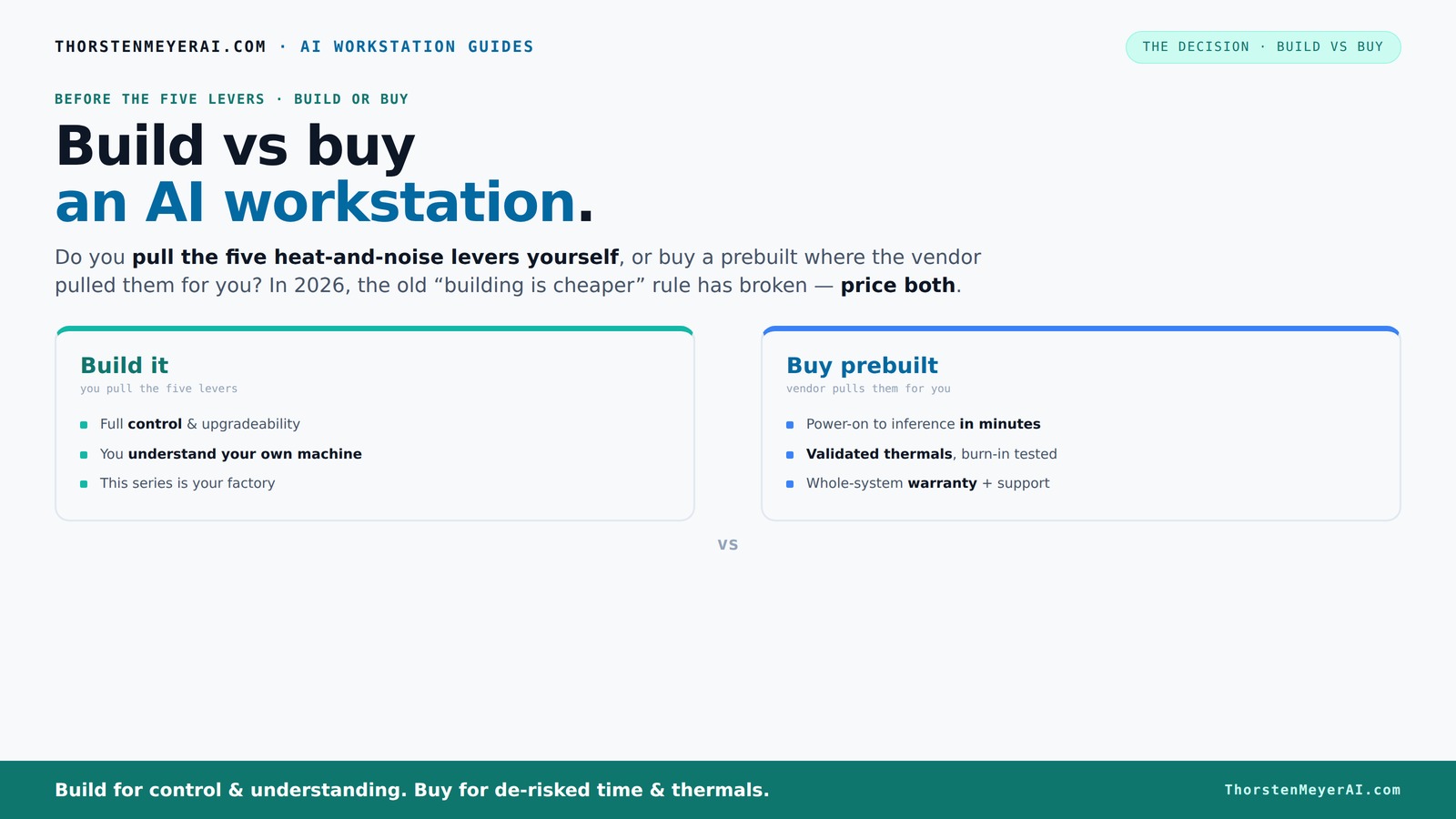
Build vs buy
an AI workstation.
The real question behind this whole series: do you pull the five heat-and-noise levers yourself, or buy a prebuilt where the vendor pulled them for you? And in 2026, the old “building is cheaper” rule has broken. Match your situation in Part 3.
Why Building Your AI Workstation No Longer Always Saves Money
Building your own AI machine used to be the clear budget winner. But in 2026, the landscape has shifted. Supply chain snarls and component shortages have driven prices sky-high for GPUs, RAM, and SSDs. A custom build that once cost under $1,000 now often tops $1,250 or more before even adding software licenses.
Moreover, the implications of these rising costs are significant. When component prices surge, the cost advantage of DIY diminishes or disappears altogether, forcing builders to reconsider whether their time and effort are justified. Meanwhile, large vendors like Lambda and BIZON have secured bulk discounts and optimized logistics, enabling them to offer prebuilt systems at prices that are often comparable or even lower than DIY options. This shift means that the traditional cost-saving rationale for building is less compelling, especially when factoring in the time and expertise required for assembly and troubleshooting.
This cost dynamic also impacts the risk profile. DIY builders face unpredictable expenses if hardware fails, and the lack of validated thermals or comprehensive support can lead to costly troubleshooting. Learn more about home environment optimization. The tradeoff becomes clearer: while building might still offer some customization, the financial and operational risks are now more pronounced, making it less of a no-brainer than in previous years.
As an affiliate, we earn on qualifying purchases.
Who Pulls the Levers? Building vs Buying in 2026
The core of the decision hinges on who handles the five critical levers of thermal management: undervolting the GPU, matching cooling solutions, optimizing case airflow, tuning fan curves, and positioning the system for airflow.
Buy a prebuilt system: the vendor pulls these levers. They validate thermals, run extensive stress tests, and often include water-cooling setups that keep noise and heat in check—like Lambda’s systems that promise 30% lower noise and temperature under load. This comprehensive management ensures a balanced, reliable performance, which is especially important for AI workloads that generate heat and demand stability. The vendor's expertise reduces the need for user intervention, lowering operational risks and maintenance costs.
Build it yourself: you pull these levers. You pick a quiet GPU ([link]), undervolt it ([link]), choose a cooling solution ([link]), and tune your fans ([link]). This offers precise control over thermal and acoustic performance, allowing customization to match specific workloads or noise preferences. However, the tradeoff is time and expertise: fine-tuning thermal management can be complex, and improper configurations may lead to overheating or noise issues, potentially risking hardware longevity and stability.
The key implication here is that managing these thermal levers effectively can mean the difference between a quiet, cool, reliable system and one prone to thermal throttling or excessive noise. If you value control and are willing to invest the effort, DIY gives you the ability to optimize for your specific environment. But if you prefer a plug-and-play solution with guaranteed thermals and support, a vendor-managed system reduces your operational complexity and risk.
Defining Your Needs: When Does Building Make Sense?
Before jumping into either option, it’s crucial to assess your specific requirements. Are you aiming for maximum customization, or do you prioritize rapid deployment? Do you have the technical expertise and time to fine-tune your system, or would you prefer a ready-to-run solution? Understanding your workload, future upgrade plans, and risk tolerance will help determine whether building or buying is the better fit.
For instance, if your AI projects involve specialized hardware or custom configurations that off-the-shelf systems can't support, building may be the only viable option. Conversely, if you need a system quickly and prefer a warranty-backed, hassle-free experience, prebuilt options are often more suitable. The decision also hinges on your budget, technical skills, and how much time you can dedicate to system setup and maintenance.
Conclusion: Making the Right Choice in 2026
As we’ve explored, the traditional advantage of building your own AI workstation has diminished in 2026 due to market shifts. Prebuilt systems now often offer comparable or even better value, with the added benefits of support and reliability. The decision ultimately comes down to your need for customization, control, speed, and risk management.
If you value tailored performance and have the expertise, building can still be rewarding—just be prepared for potentially higher costs and longer timelines. On the other hand, if you need a quick, reliable system with less hassle, buying prebuilt is the smarter choice. Consider hybrid solutions or consulting with vendors to find the best fit for your specific AI ambitions.
Next steps? Assess your project’s requirements, budget, and timeline carefully. Whether you choose to build or buy, staying informed about market trends will ensure your AI workstation supports your goals effectively in 2026 and beyond.
Frequently Asked Questions
Is it cheaper to build or buy an AI workstation in 2026?
It depends on your specific configuration. Due to supply chain issues, prebuilt systems often match or beat DIY costs now, especially for high-end GPUs. Always compare prices based on your exact specs before deciding.When does building a custom workstation make sense?
If you need tailored performance, have niche hardware requirements, or want full control over thermals and upgrade paths, building makes sense. Enjoying the process and having time are also key factors.What hidden costs should I consider with each option?
Building involves labor, troubleshooting, warranties, and potential downtime. Buying includes support, warranties, and reduced risk of failures, which can save money over time—especially for mission-critical workloads.How long does it take to build versus buy?
Building can take several months, from sourcing parts to tuning. Buying a prebuilt can have you up and running in a week or two, making it ideal for rapid deployment.Which is better for GPU-heavy AI workloads?
Prebuilts from specialized vendors often provide better thermal management and support for multi-GPU setups. But a skilled builder can tune and upgrade a DIY system for comparable performance.Evergreen bestsellers Picks
bestsellers
As an affiliate, we earn on qualifying purchases.